
Promoted

Platform that provides an insight to increase engagement of your community

See what websites do before you consent

Patches.cafe is a free browser puzzle about fitting numbered rectangles together. It looks like a small sewing project and plays like a tidy piece of spatial re

Turn any webpage into a screenshot worth sharing

The acquisition CRM and off-market sourcing engine for people buying small businesses.
About
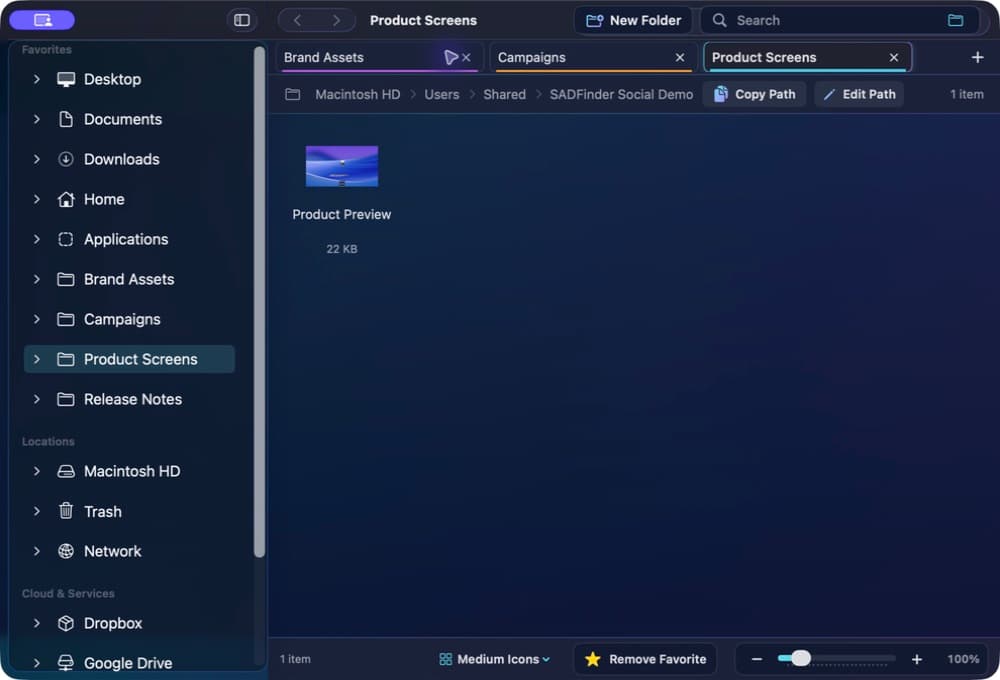
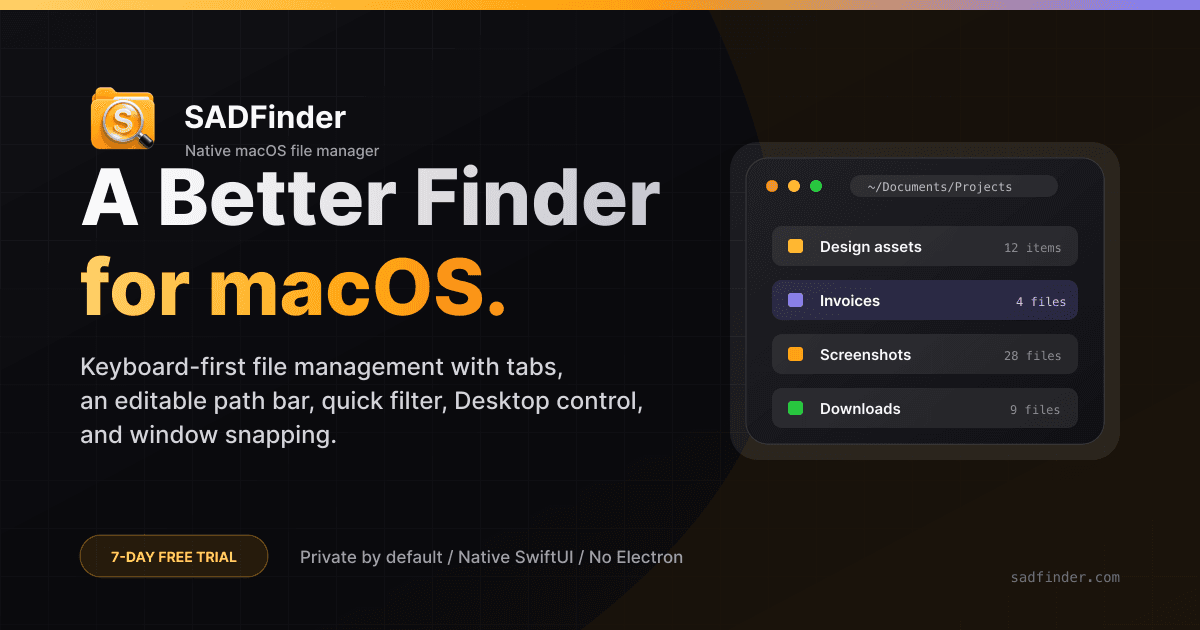
SADFinder is a native file manager for macOS, built around keyboard-first navigation and a compact desktop workflow. It gives Mac users a focused place to browse folders, move between locations, filter what they see, and keep several locations available at the same time. The application runs on macOS 15 or later and is available with a free seven-day trial. The main navigation model is designed for people who prefer to keep their hands on the keyboard. SADFinder supports keyboard-first movement through folders and provides an editable path bar for direct location changes. The path bar makes the current location visible and editable, so a user can work with a specific folder path without depending only on repeated pointer navigation. Tabs let users keep multiple folder locations open in one SADFinder window. This is useful when a task involves returning to the same places repeatedly, comparing locations, or organizing files across several folders. Quick folder filtering helps narrow the visible folder content without changing the underlying files or requiring a separate search workflow. SADFinder also includes Desktop control. This brings desktop-file handling into the same native macOS application instead of treating the desktop as a disconnected place. Built-in window snapping adds a practical way to arrange application windows while working with files and folders. These capabilities are part of the product itself and do not require a separate subscription. The product is intended for Mac users who want an alternative way to manage everyday file-navigation tasks with an emphasis on direct keyboard access, visible paths, tabs, filtering, and desktop organization. It can fit individual workflows that involve project folders, downloaded files, documents, media folders, archives, or any other directories available on the Mac. The application does not require a cloud account to begin the trial. Pricing is straightforward. The free trial lasts seven days. After the trial, a lifetime license costs $49 and works on up to three Macs. The license is a one-time purchase rather than a recurring subscription. Users can download the application and start the trial from the SADFinder website before deciding whether the lifetime license fits their workflow. SADFinder is developed specifically for macOS and follows a native desktop-app approach. The product page includes the current download, pricing information, screenshots, and additional details. For someone evaluating the app, the shortest path is to install the trial, open a few familiar folders, test the keyboard navigation, create tabs for frequently used locations, edit a path directly, try quick filtering, and see how Desktop control and window snapping fit into daily work.
Screenshots