
Classic View for Google Images
VerifiedRestore clean horizontal rows, hover zoom, direct image access, size filters, and a calmer Google Images experience.
Promoted

Platform that provides an insight to increase engagement of your community

See what websites do before you consent

Patches.cafe is a free browser puzzle about fitting numbered rectangles together. It looks like a small sewing project and plays like a tidy piece of spatial re

Turn any webpage into a screenshot worth sharing

The acquisition CRM and off-market sourcing engine for people buying small businesses.
About
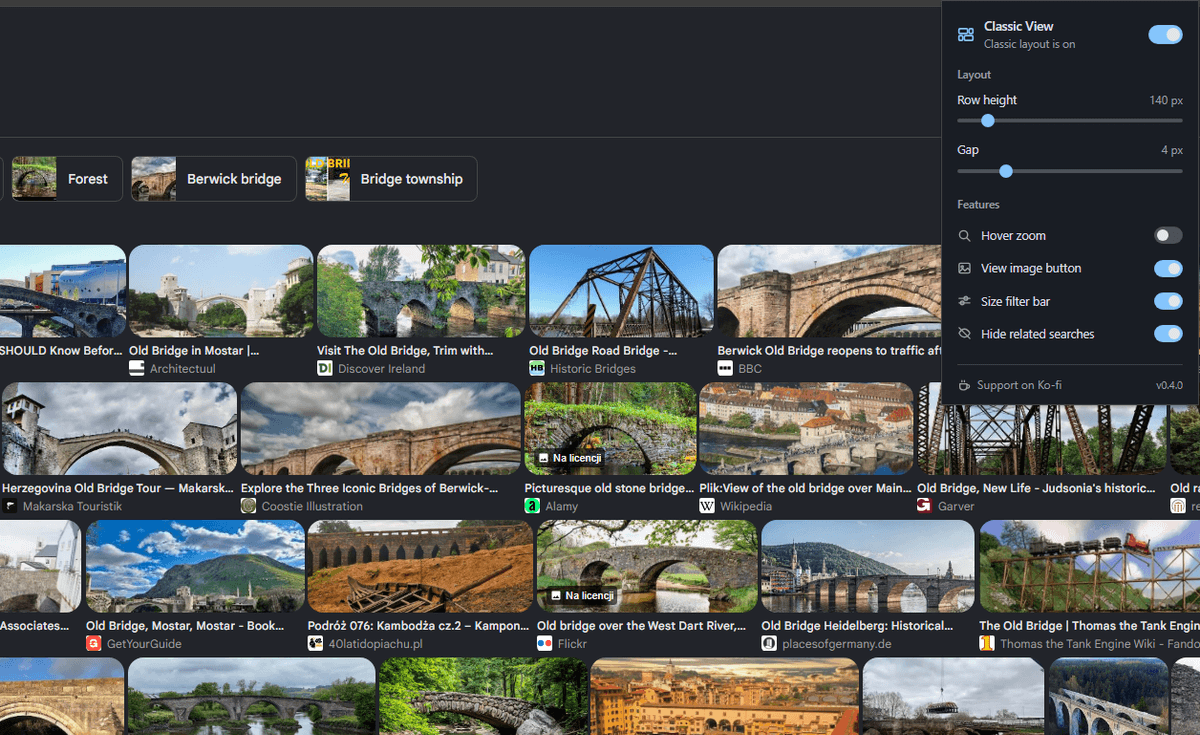
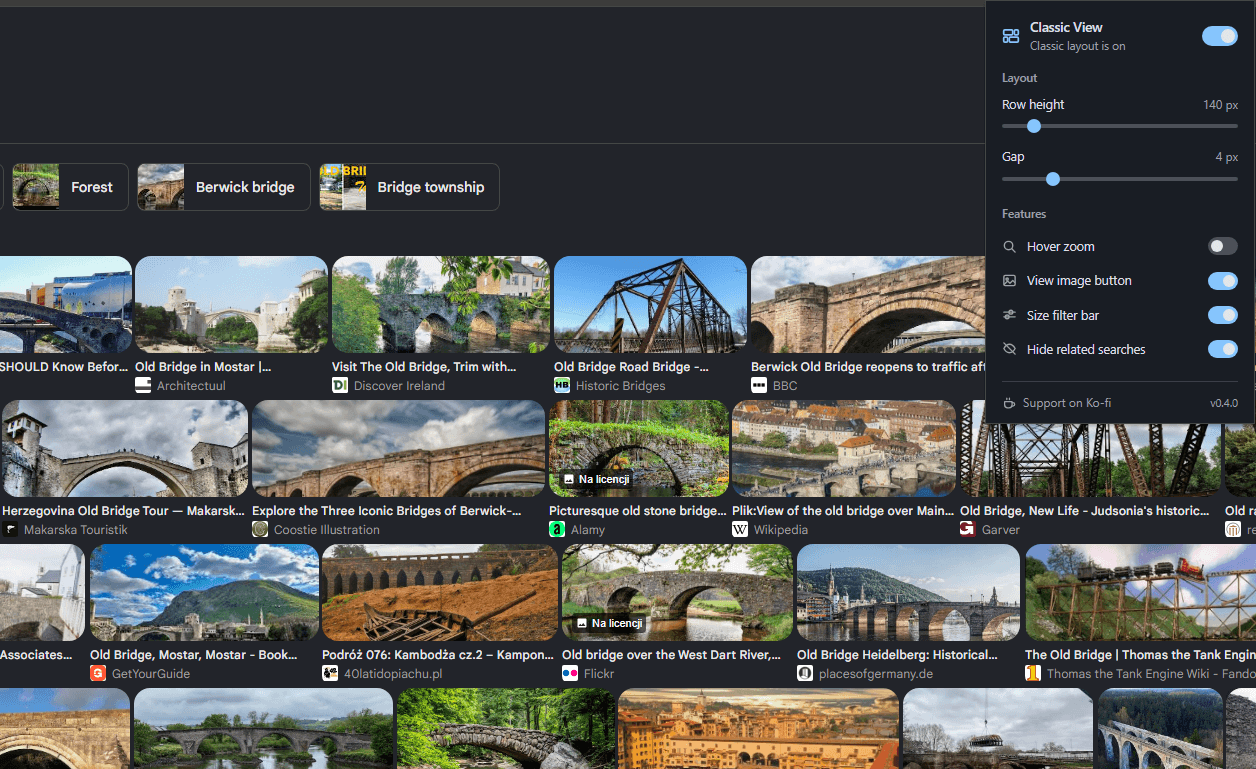
Classic View for Google Images™ The useful Google Images is back. Clean, justified rows. Full-size hover previews. Direct image access. The efficient search experience, restored. [Add to Chrome](https://chromewebstore.google.com/detail/classic-view-for-google-i/ncljfdlnfncafnmcfbdkobjdpfiodfcg) [Support on Ko-fi](https://ko-fi.com/hsr) [](https://chromewebstore.google.com/detail/classic-view-for-google-i/ncljfdlnfncafnmcfbdkobjdpfiodfcg) Watch the tutorial ## See Classic View in action. YouTube A complete walkthrough of the layout controls and browsing experience. ## Everything useful. Nothing in the way. ### Classic horizontal rows Replace the staggered masonry grid with clean, justified rows. Every thumbnail keeps its natural aspect ratio—without awkward vertical crops. ### Hover image zoom Preview a larger image the moment you hover. Smart positioning keeps the preview inside your viewport, even near the edges. ### Direct View Image Open the highest-resolution source available in a new tab, directly from the thumbnail. One click, no detour through the preview panel. ### Quick size filters Switch between All sizes, Large, Medium, and Icon using a compact filter bar placed directly above your results. ### Less clutter Hide Related searches blocks and carousels when you want more room for the images you actually searched for. ### Your layout, your settings Adjust row height from 120 to 300 pixels, tune tile spacing, and toggle every feature independently. Changes apply live and sync across devices. Private by design ## Your searches stay yours. Classic View collects, stores, and transmits no user data or search history. It changes presentation through lightweight styling and preserves native Google behavior. [Read the privacy policy](https://images.hsr.gg/privacy)
Screenshots