

BatchCrunch
VerifiedBatch compress and resize video, audio and images in your browser — nothing is uploaded.
Promoted

Platform that provides an insight to increase engagement of your community

See what websites do before you consent

Patches.cafe is a free browser puzzle about fitting numbered rectangles together. It looks like a small sewing project and plays like a tidy piece of spatial re

Turn any webpage into a screenshot worth sharing

The acquisition CRM and off-market sourcing engine for people buying small businesses.
About
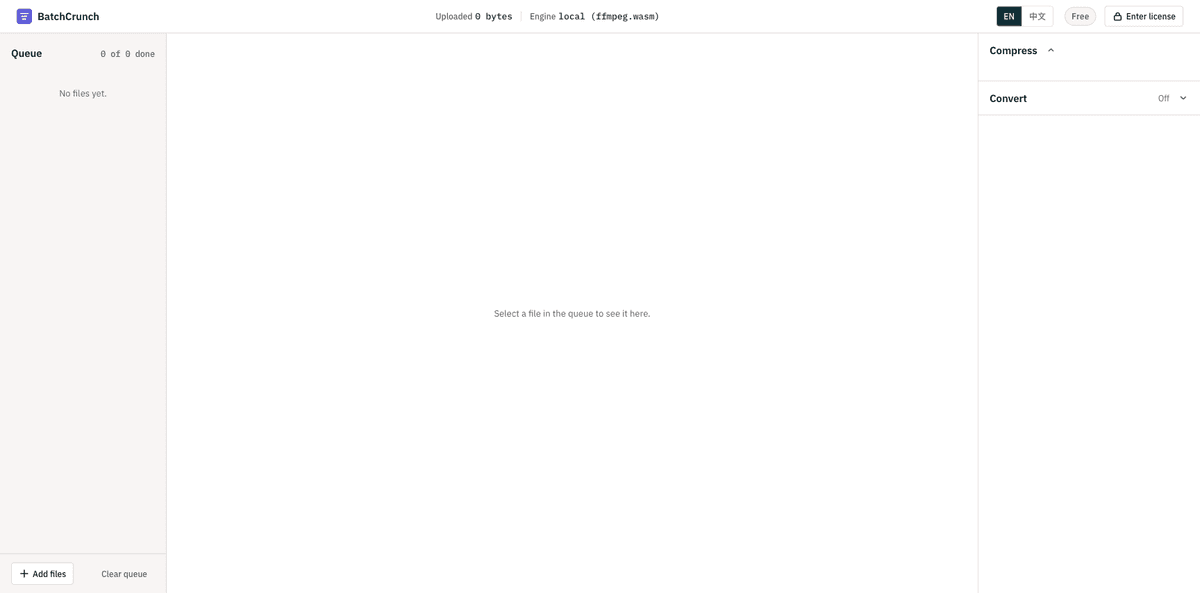
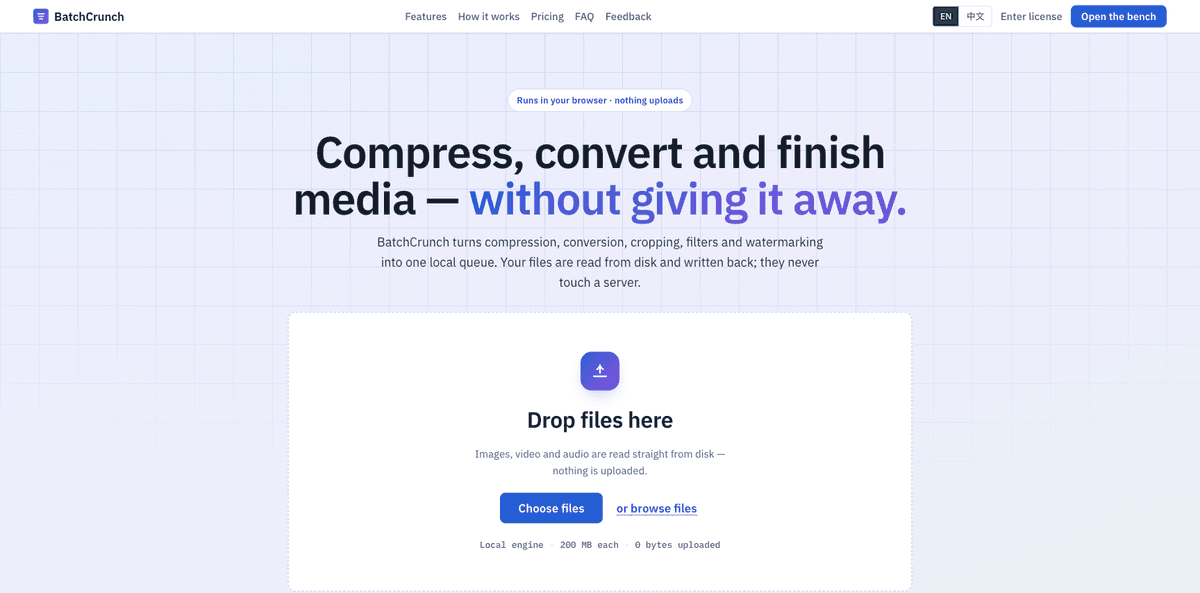
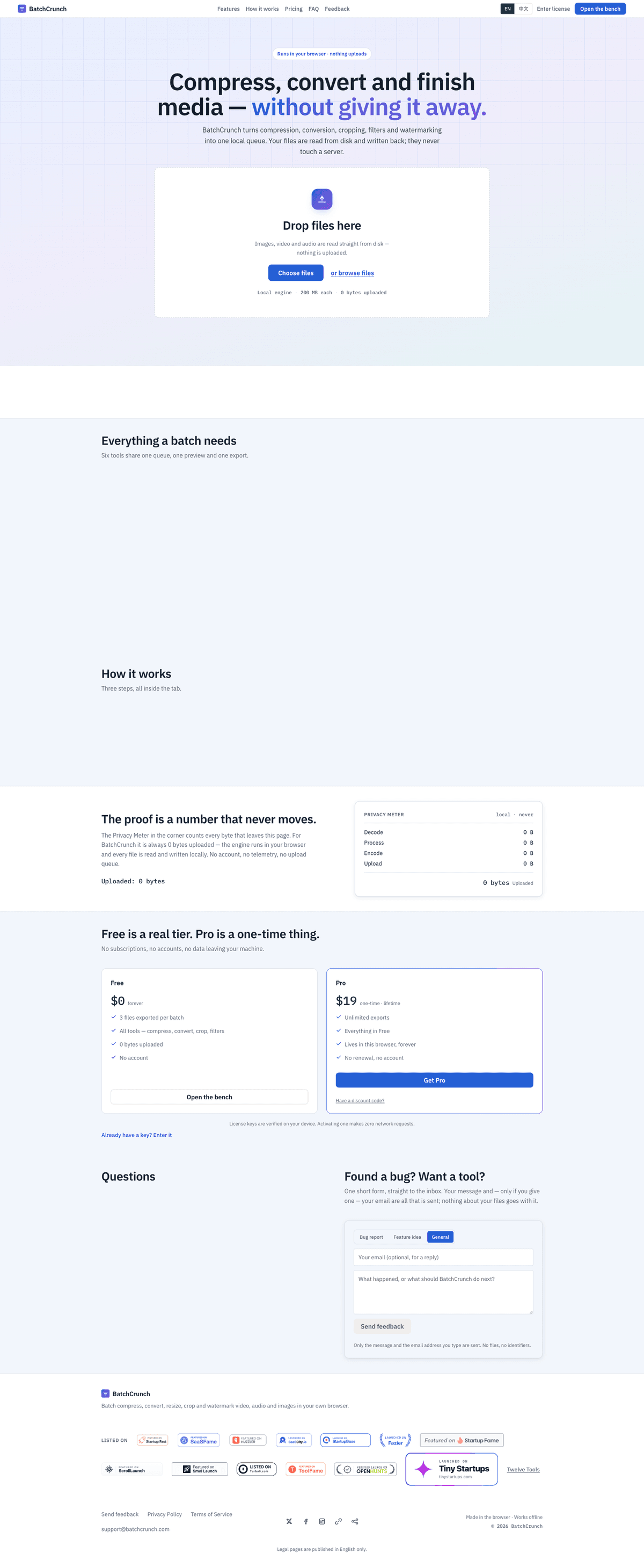
BatchCrunch processes folders of video, audio and image files entirely inside your browser tab. It is ffmpeg compiled to WebAssembly, running on your own CPU, so files are never uploaded to a server. That removes the two limits every online converter has: there is no upload size cap and no queue behind someone else's machine. After the first load the encoder is cached, so it keeps working with the network switched off. Drop a whole folder and set one recipe per media type. Compress and convert video, audio and images; crop or change aspect ratio, resize, rotate, flip and add a text or image watermark to video and images; rename the output files. Every file shows an estimated output size before it runs and its real size, delta and a side-by-side preview after. Each file has its own state and its own retry, so one bad file does not stop the batch. It is not a video editor: no timeline, no trimming, no subtitles. It does one job, in bulk. Free for 3 files per batch, no account and no email required. A one-time $19 licence removes the batch limit and changes nothing else — every format and every edit is already in the free tier. The key is signed and verified offline in the browser, so it does not depend on this site staying online, and there is no subscription.
Screenshots
Maker
